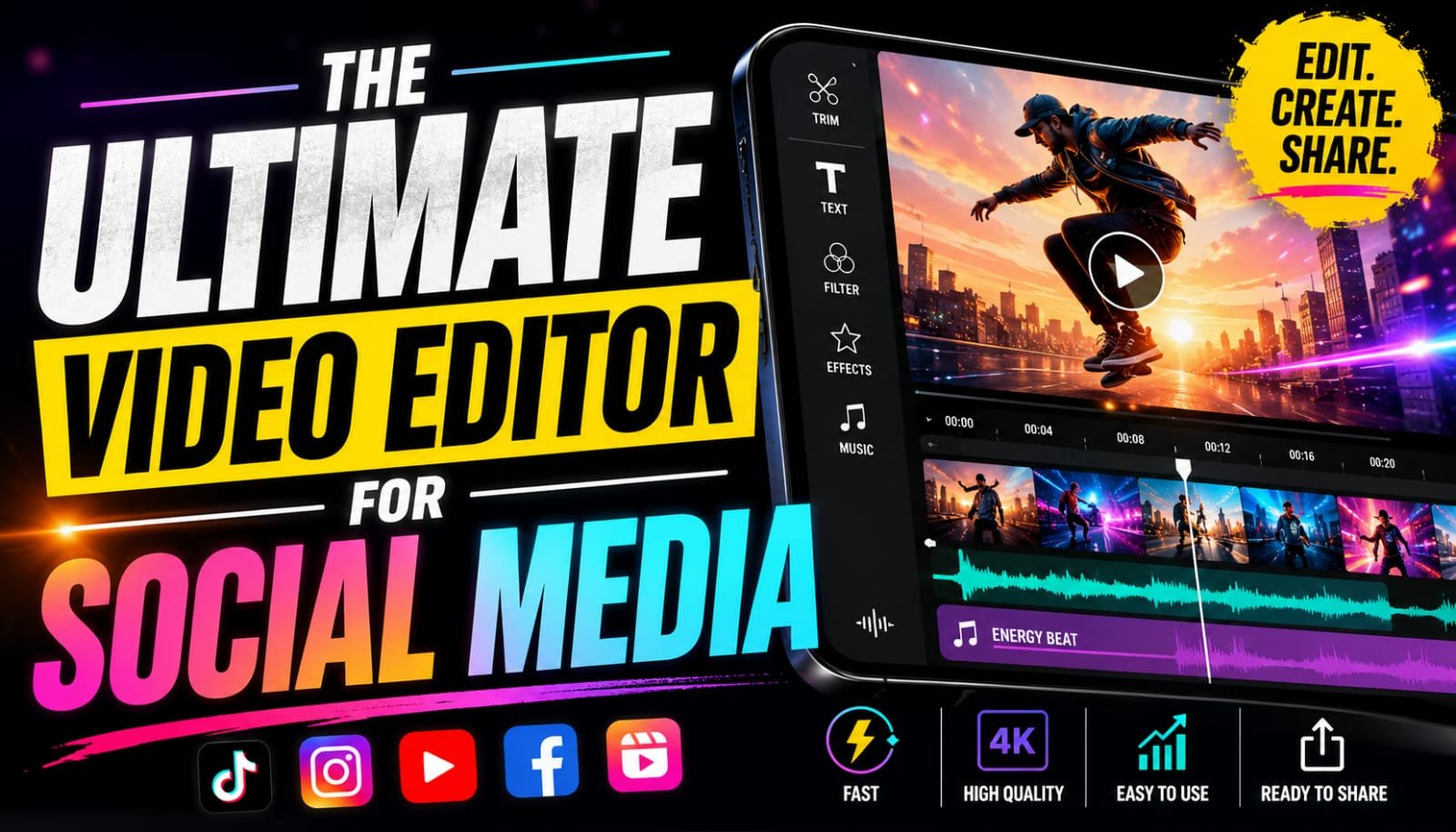
You no longer need to be an expert in video editing or use costly video software to produce professional videos. In this present day and age, mobile video editing apps enable anyone to create engaging content for TikTok, Instagram Reels, YouTube Shorts, and Facebook. Vita is one of the numerous options available, and it has become a popular choice due to its user-friendly interface and intuitive editing capabilities.
Apps like CapCut, InShot, VN Video Editor, and Kinemaster are also trending, but Vita is the perfect balance of usability and professional features, making it great for beginners as well as seasoned creators.
What Is Vita?
Vita is a free Android & iOS video editing software. It provides an array of features that enable users to make edits to videos straight from their smartphones, such as trimming, transitions, filters, text animations, music, and visual effects. The app offers all the tools you need to make high-quality videos, whether you’re working on a social media video or a personal video project.
Key Features
1. Easy-to-Use Interface
Vita’s greatest asset is its simple and easy-to-use interface. In no time at all, you can learn to cut clips, create sequences, and add effects to your video, even if you’ve never edited a video before.
2. Powerful Editing Tools
The app has some helpful editing tools including:
- Cut and divide videos.
- Merge multiple clips
- Speed control
- Reverse video
- Crop and rotate
- Voice recording
- Audio editing
These are sufficient to produce professional-looking videos without a computer.
3. Creative Effects & Transitions
Vita provides a range of transitions, filters, and visual effects to help make videos more interesting. Styles available include travel videos, vlogs, tutorials, beauty videos, as well as business promotions.
4. Text and Music
Users can use a few taps to add animated text, captions, stickers and background music. Videos are also more appealing and informative to viewers as they have voiceovers and sound effects.
Vita vs Other Video Editing Apps
There are many other editing apps with similar features, but each has its own advantages.
- AI editing tools and trending templates are popular features of CapCut.
- InShot is ideal for rapid social media videos and simple video projects.
- For those with more editing needs, VN Video Editor offers more advanced controls for its timeline.
- KineMaster has some more advanced editing tools, but a bit more complicated to learn.
While these applications are great, Vita goes a step further by providing editing tools for professionals in an easier to use interface. It enables users to produce quality videos without having to spend hours mastering advanced editing techniques.
Who is Vita for?
Vita is ideal for:
- TikTok creators
- Instagram influencers
- YouTube Shorts creators
- Small business owners
- Students
- Freelance content creators
- Beginner video editors
From making videos for personal enjoyment to marketing a brand, Vita has the necessary tools to design engaging videos.
Pros
- Free to use
- Beginner-friendly interface
- High-quality transitions
- Stylish filters and effects
- Animated text options
- Fast video exports
Cons
- A subscription is required for some premium assets.
- Some older devices may have slower editing performance.
Final Thoughts
Depending on your requirements, a video editing app could be any program you like, but Vita is among the greatest all-rounders of the day. It is easy to use, yet it offers advanced editing tools, which is ideal for both newbies and pro creators. Vita offers a simple and efficient editing experience for those seeking quality results with minimal hassle, though apps such as CapCut, InShot, VN Video Editor, and KineMaster are also excellent options.
For those who are interested in creating videos for social media, Vita is the right choice to try out as a mobile video editor.
FAQs
A: Is Vita free?
A: Yes, the application provides several editing features for free, while others have a premium subscription.
B: Which is better, Vita or CapCut?
A: Both these applications are great. CapCut has more AI features, whereas Vita is all about simplicity and ease of use.
C: Can beginners use Vita?
A: Yes. It has a simple interface, which makes it one of the easiest video editing apps for beginners.
D: Who is Vita best suited for?
A: Vita is perfect for creating videos for TikTok, Instagram Reels, YouTube Shorts, Facebook and all other social media.